 S7 Link

 Italiano
 Français
 Deutsch
 Español
 简体中文
The new generation of iS7
Your S7 PLC, in your pocket.
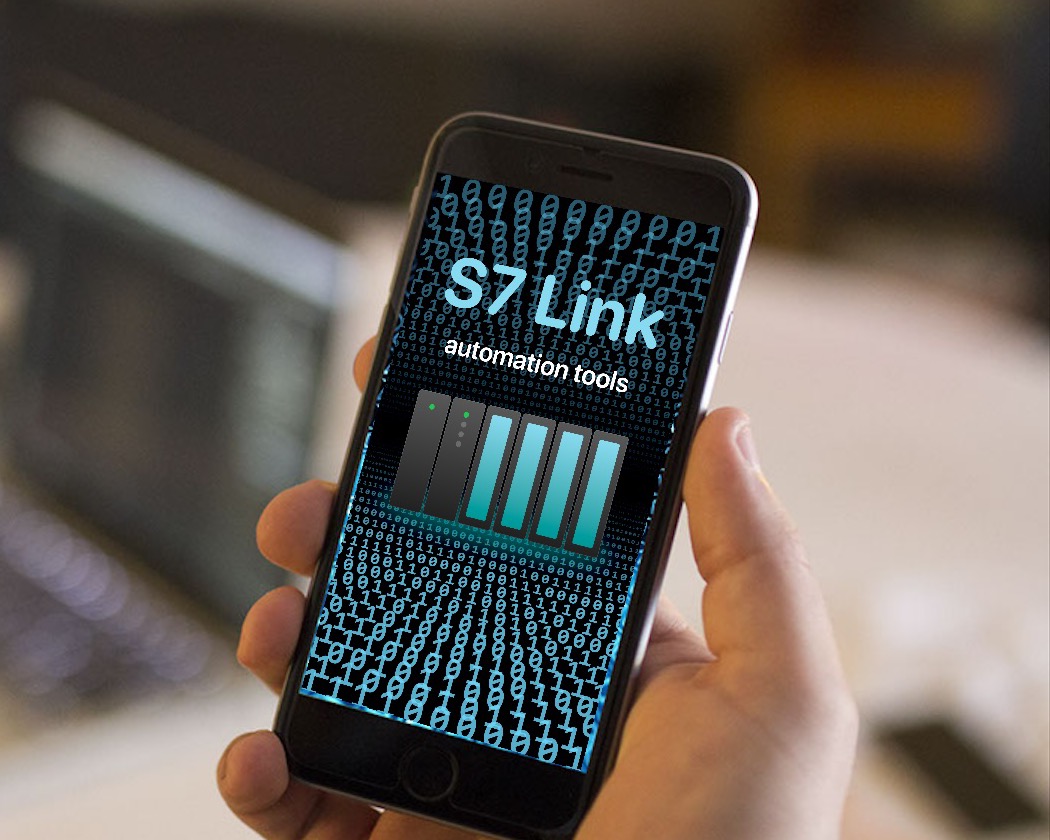
A simple, operative mobile interface for Siemens PLC controlled equipment. From an assembly line in a distant plant to the blinds of your living room.


Requires iOS 26 or later. A built-in simulated PLC lets you try everything without hardware.
- PLC families
- S7-300, S7-400, S7-1200, S7-1500, LOGO!
- Connection
- LAN or internet, ISO on TCP (RFC 1006)
- Devices
- iPhone and iPad, with at least iOS 26
- Languages
- EN, IT, DE, FR, ES, Simplified Chinese
Three steps
From network to pushbutton.
Connect
Put your device on the same network as the PLC, or reach your automation through the internet.
Configure the link
Enter address, rack and slot following the S7 hardware configuration. Save, then press Connect.
Operate
Add variables to a table or configure a custom virtual pushbutton. That's all.
Try it here
Press START. Close the rung.
The classic seal-in circuit, running in this page: hold the buttons, follow the power flow, watch the values change. S7 Link puts the pushbuttons and live values of your real PLC on your phone.
| Address | Symbol | Value |
|---|---|---|
I0.0 | START | 0 |
I0.1 | STOP | 0 |
I0.2 | SENSOR | 0 |
Q0.0 | MOTOR | 0 |
MW10 | COUNT | 0 |
A simulation in your browser: no PLC is involved.
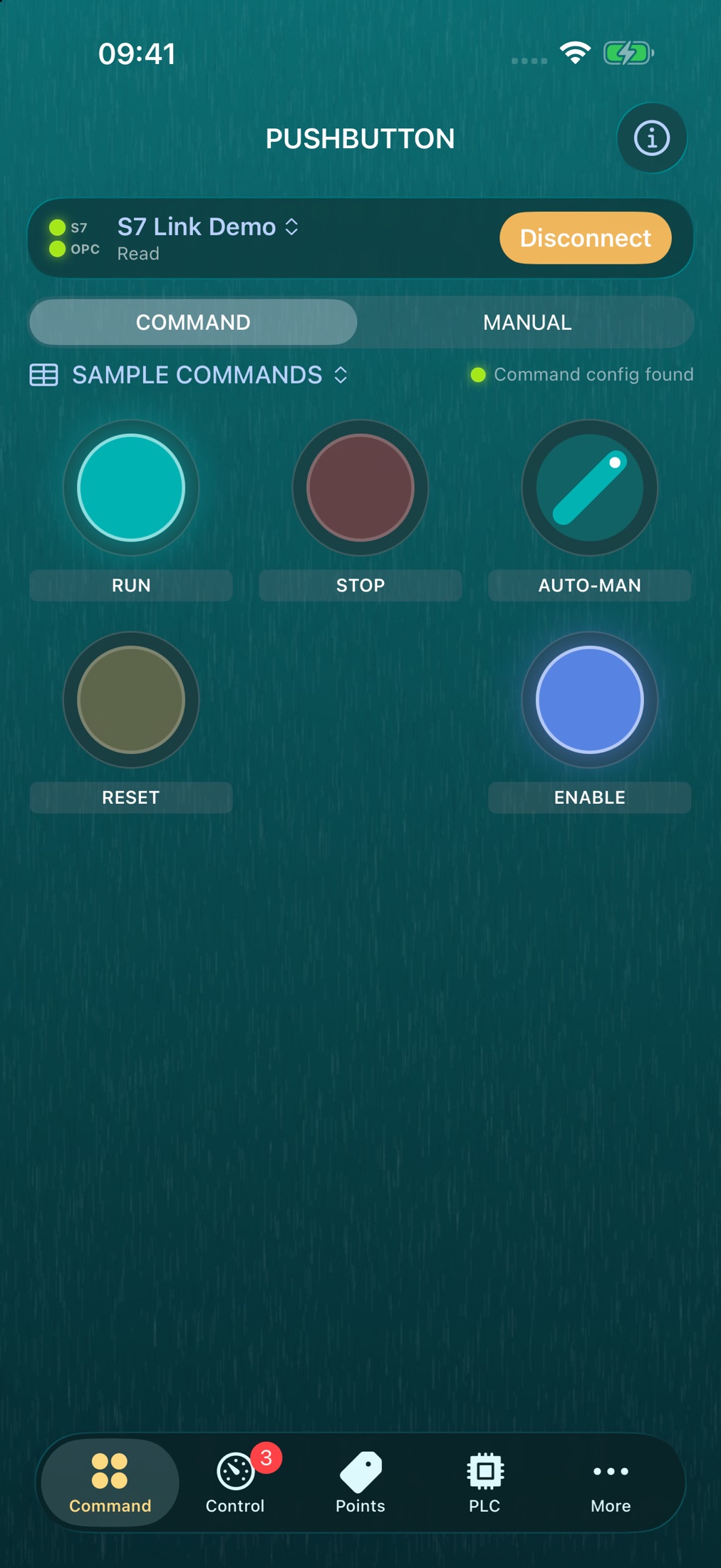
Inside the app
Every screen, as it really is.
In the field
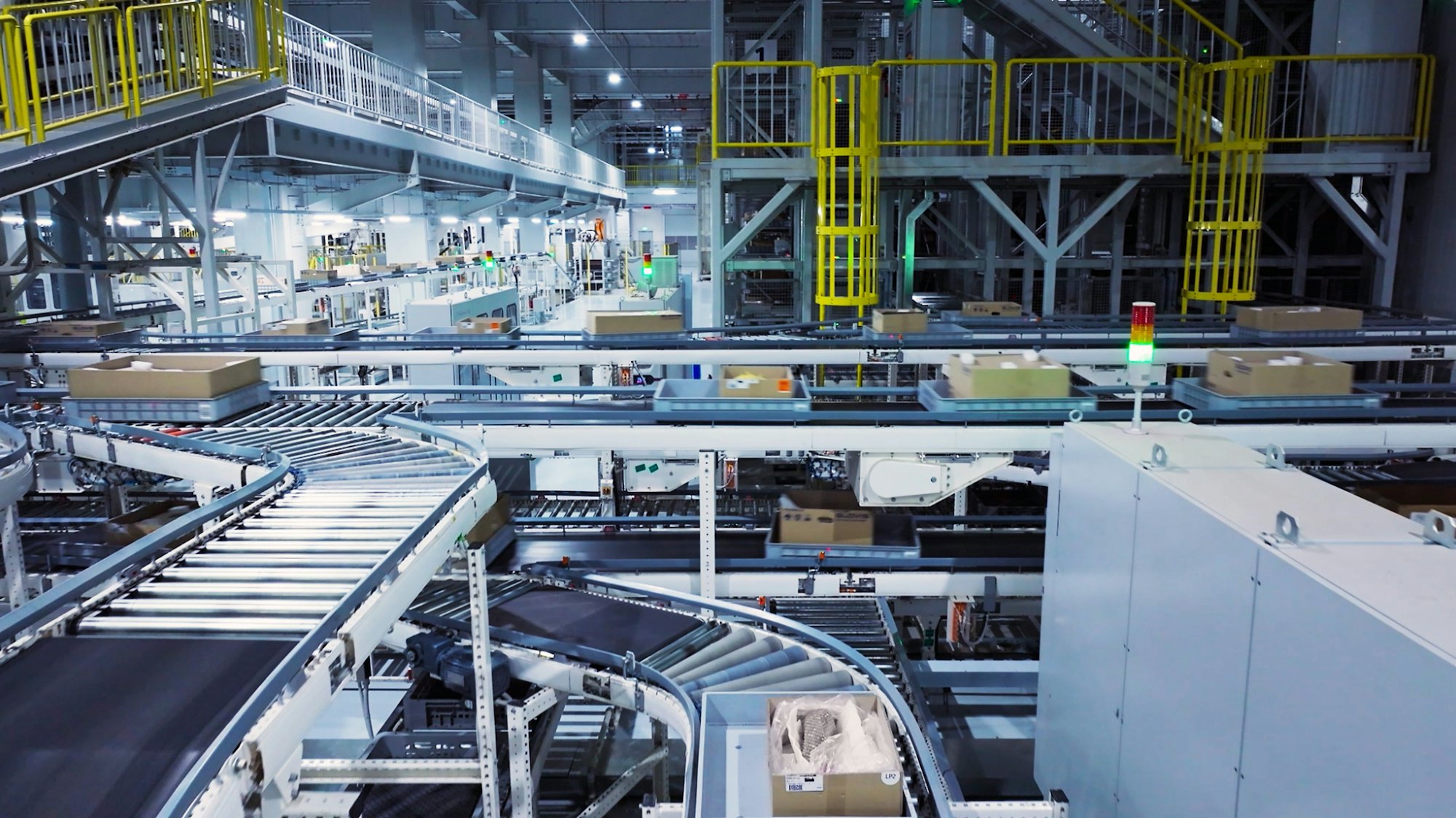
From the cabinet to the line.
Wherever an S7 CPU can be reached on the network, S7 Link can talk to it.
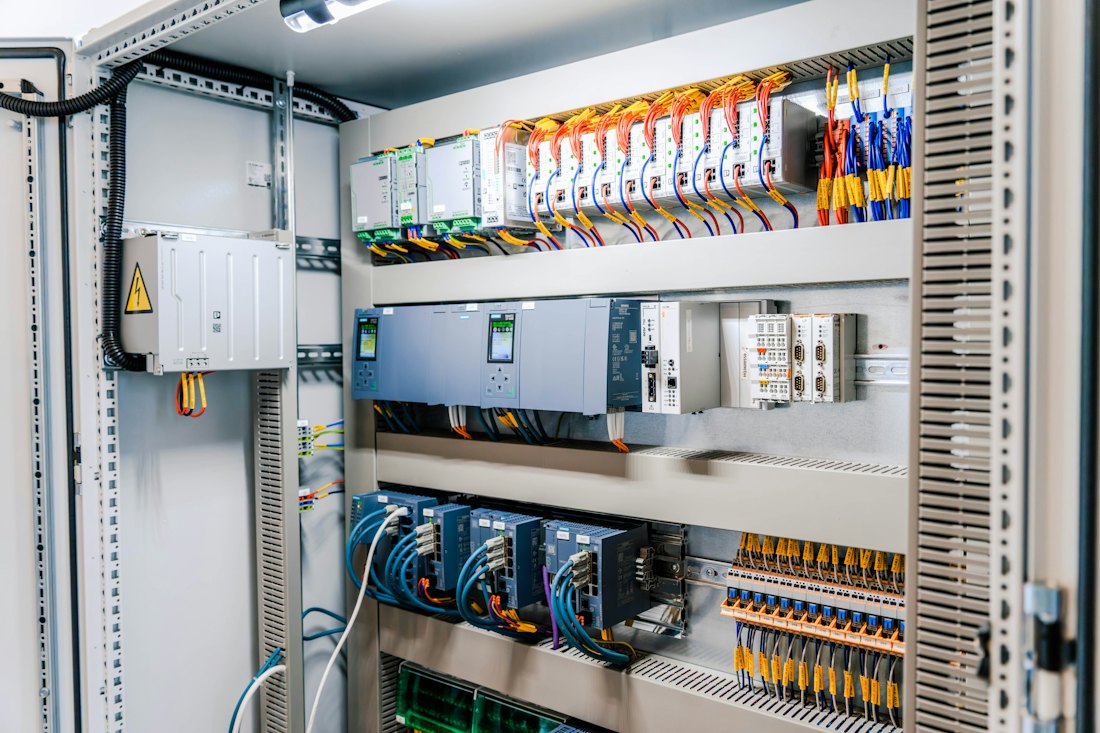
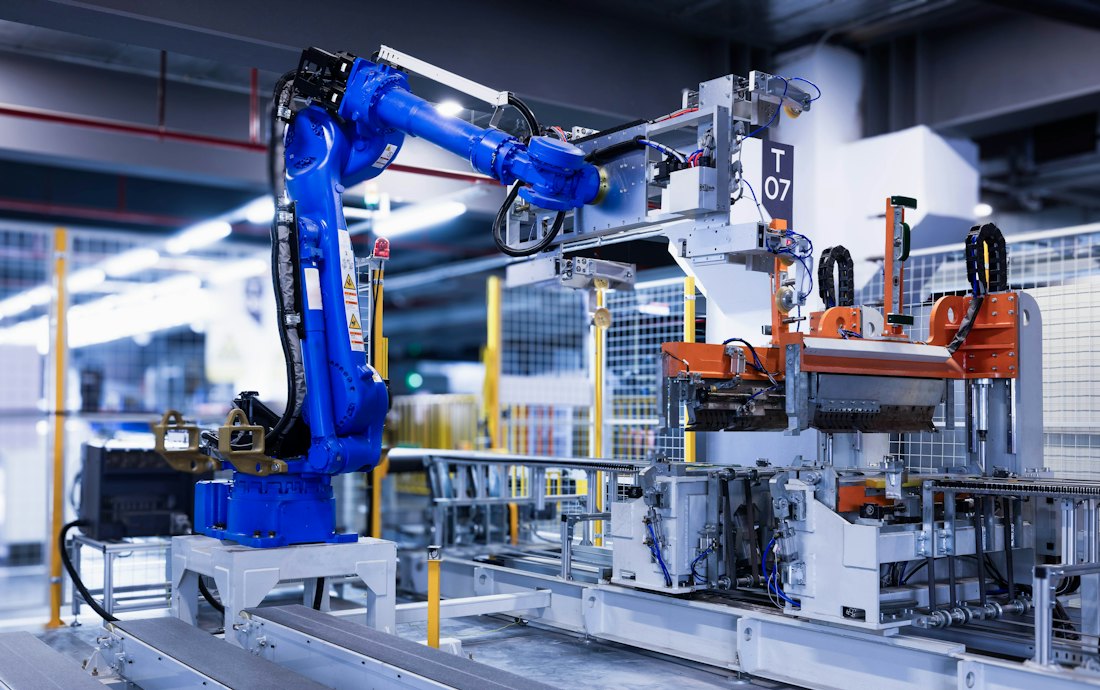

Photos: Raymond Sime, Homa Appliances, Lenny Kuhne and Hyundai Motor Group on Unsplash.
What's new
Rewritten from scratch. Your work stays.
S7 Link is a complete re-engineering of iS7, in Swift and SwiftUI, with the Liquid Glass design and a new native S7 driver. Updating keeps your connections, tables, options and purchases, and iS7 backups can be restored.
CPU information
Order number, firmware, serial number, memory card, mode switch, protection level and diagnostic buffer, as far as the CPU provides them.
Trend (additional plugin)
Up to five variables in one chart, each with its colour and Y range. Export to CSV and PDF. See a sample PDF.
Protected commands
Require Face ID or a confirmation, or use a key selector that asks for Face ID or a PIN at every turn. While commands are locked, nothing is written.
Clear error messages
Wrong address, wrong rack or slot, PUT/GET disabled: the app tells you which one it is.
Simulated PLC
A built-in demo CPU to learn the app, or to show it, with no hardware at hand.
Faster scans
Multiple reads collect your variables with fewer requests to the CPU.
Backup your way
Save through the Files app: iCloud Drive, Dropbox and other services. Share tables between devices on the same network.
No data collected
No third-party SDKs. Your configuration and PLC values stay on the device.
Alarms (additional plugin)
Keep specific signals under control with colors, sounds and notifications, also in the background. Widgets and Live Activities show connection and alarms.
Before you start
What your PLC needs.
- Your network must let the S7 protocol through: ISO on TCP, port 102.
- S7-1200 and S7-1500 need PUT/GET access enabled and data blocks without optimized access.
- Alarms and trends on real PLCs are in-app purchases. If you already bought alarms, you keep them. With the simulated PLC you can try both without buying.